
Build GrapheneOS for Your Pixel 10, Signed With Your Own Keys
OpenFactory builds GrapheneOS for the Google Pixel 10 from the official sources and signs every image with release and verified boot keys generated for your account.
By the OpenFactory Team · November 10, 2026
Once you lock the bootloader with your own key, the phone refuses any OS image those keys did not sign, including official GrapheneOS releases. That is the trade: you decide what your Pixel boots, and you keep the keys.
OpenFactory can now build GrapheneOS for the Google Pixel 10. Ask the builder for it, and the download contains factory images and a full update package signed with a release key and a verified boot key generated for your account. Nothing in the source changes. The build follows GrapheneOS's own build documentation, run by OpenFactory instead of on your workstation.
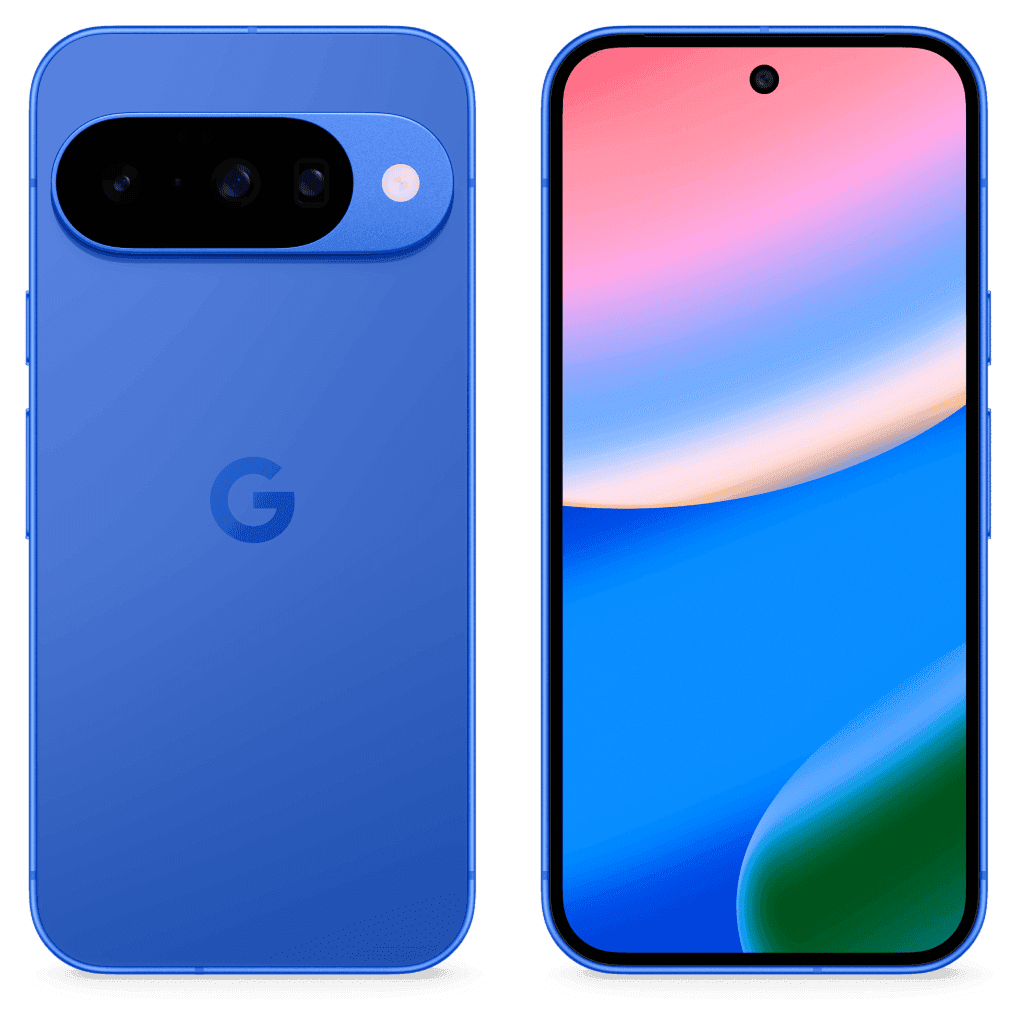
What you download
One zip with the factory images for your Pixel (the folder GrapheneOS's installer expects, with flash-all.sh and your verified boot key), the full OTA update package, your public verified boot key as avb_pkmd.bin, and INSTALL.txt with the fingerprint and the install steps. The build page also shows the fingerprint and lets you download your encrypted key set, reveal its passphrase or delete it. Private keys never go into the image download.
The key is the point
When you install GrapheneOS, the installer writes its verified boot public key into the phone's secure element, and every boot checks the OS against that key, as the install guide explains. With an OpenFactory build, that key is yours. Locking the bootloader turns on full verified boot and blocks flashing through fastboot, per the guide's section on locking the bootloader.
You can check which key the phone trusts. A Pixel running an alternate OS shows a yellow notice at boot with an ID derived from the SHA-256 of its verified boot key, and sixth-generation Pixels onward show the full hash (verified boot key hash). Compare it with the fingerprint OpenFactory shows for your build. It will not match the official GrapheneOS hash, and that is correct.
The keys also decide updates. GrapheneOS's build guide says release keys must be reused for later builds and cannot change without flashing factory images again, which wipes the phone (generating release signing keys). OpenFactory therefore keeps one encrypted key set per account and Pixel model and reuses it for every later build of that phone.
How a build runs
OpenFactory pins a GrapheneOS release tag, checks the tag's signature against the key GrapheneOS publishes, and syncs the source once per release (stable release). It extracts the Pixel vendor files with GrapheneOS's adevtool and compiles the release target files once per release and phone model, which takes a few hours. Those files are the same for everyone, so your build skips straight to signing.
Signing uses GrapheneOS's own tools. Your first build generates the keys with make_key and encrypts them with encrypt-keys, and every build signs with generate-release.sh (signed factory images and full update packages). Before anything is published, OpenFactory runs avbtool verify_image across the image chain, confirms the key inside vbmeta is your key, and confirms the update package carries your release certificate. A build that fails any of these is not delivered.
Why it is called an unofficial build
GrapheneOS's trademark FAQ reserves the term "unofficial build" for the official sources with no changes beyond the update server address, and asks anything modified further to carry its own name. OpenFactory builds the sources unchanged and adds no apps or branding, so the result is an unofficial GrapheneOS build. It is not affiliated with the GrapheneOS project.
One practical consequence: the image has no automatic updater. GrapheneOS includes its Updater app only when a build sets OFFICIAL_BUILD, and pointed at the official server it would fetch updates signed with the project's keys, which your phone would reject. To update, build the next release in OpenFactory with the same account and sideload its full update package from recovery.
Limits today
This is an alpha. The Pixel 10 is the only model offered. Other Pixels that GrapheneOS supports will follow one at a time, each after a verified build. The Pixel 11 is not on GrapheneOS's supported devices list, so it is not available here either. OpenFactory checks signatures but has not booted these images on a phone, so flashing, boot and radios are yours to confirm. Building needs a free account, and downloads follow the same plan rules as other phone images.
Frequently asked questions
Which Pixel models can OpenFactory build GrapheneOS for?
The Pixel 10 today. Other Pixels that GrapheneOS supports are added one at a time after OpenFactory has verified a build for each. GrapheneOS does not support the Pixel 11 yet, so OpenFactory cannot build for it either.
Can I add apps or change settings in the image?
No. OpenFactory builds the official sources unchanged, which is what lets the result be called an unofficial GrapheneOS build. Install apps on the phone after setup.
What happens if I delete my keys?
Your next build gets new keys. A phone running the old build will not install an update signed with them, so you would unlock the bootloader and flash the factory images again, which erases the phone.
Has OpenFactory booted these images on a phone?
No. OpenFactory proves that every image chains to your verified boot key and that the update package carries your release key. Flashing, booting and radios are yours to check, and the boot screen lets you confirm the key.
Choose the next validation step
Compare published self-service limits, or scope customer-controlled deployment and fleet requirements through a technical pilot.