Raspberry-Pi-Os-Desktop
BuildableOpenFactory builds Raspberry Pi OS images for this platform. With 8 GB this machine is comfortably over the 2 GB the desktop recipe asks for.
Raspberry Pi · Homelab
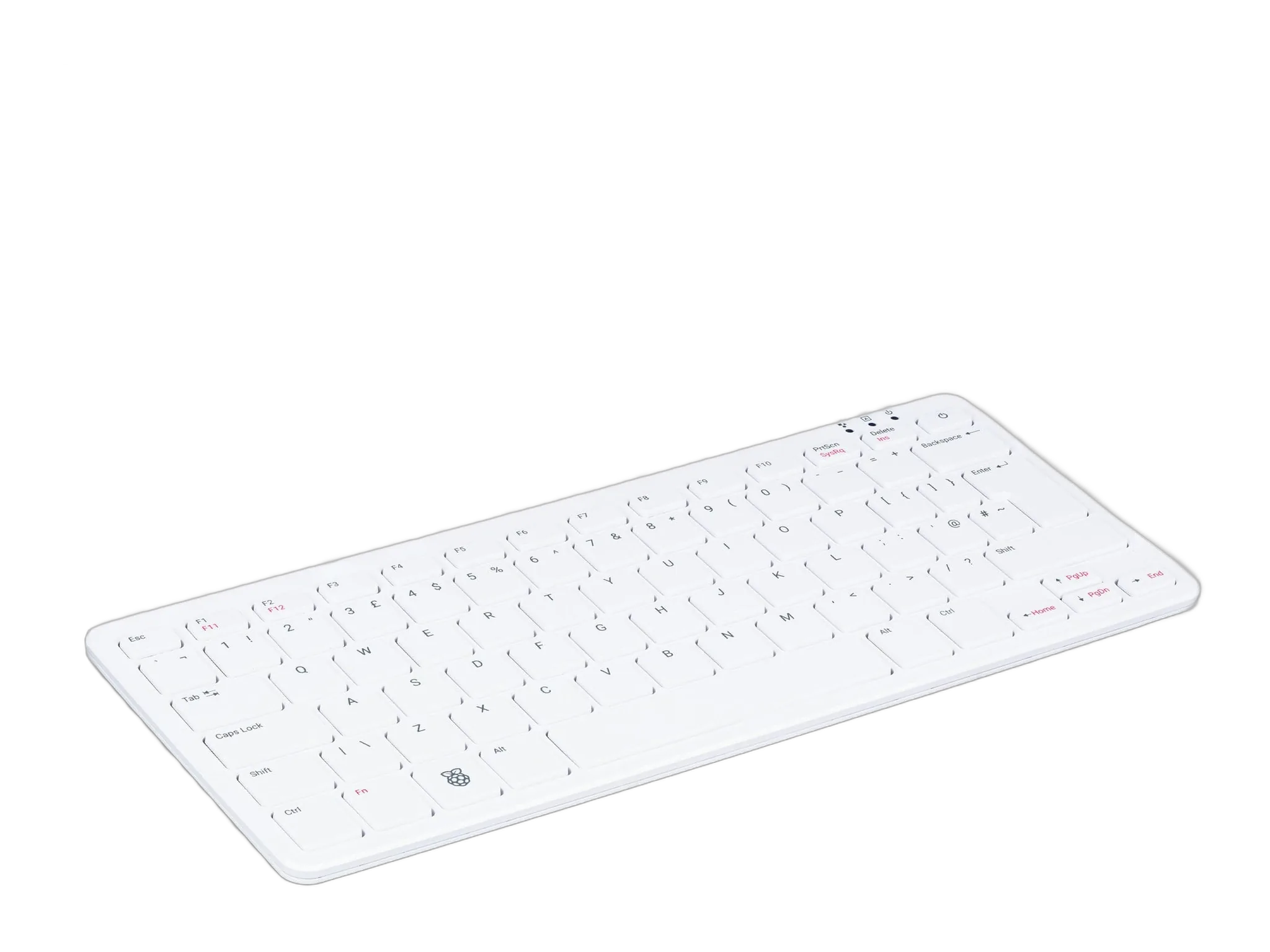
A Pi 5 built into a keyboard, with 8 GB of memory. Plug in a monitor and it is a working Linux desktop.
From $286.41
Details
What the record says about the Raspberry Pi 500, in its own words.
A Pi 500 is a Pi 5 inside a keyboard. Add a monitor, a mouse and power and it is a complete Linux desktop with nothing on the desk but the keyboard and two cables.
The 8 GB of memory in it is most of what it costs. A bare 8 GB Pi 5 board is 175 dollars, so at 180 the keyboard, the case, the cooling and the power circuitry come to almost nothing. That is not a promotion, it is what happens when AI datacentre demand reprices memory and the finished product holds its price while the bare board does not.
It suits a second machine for a workshop, a child's desk, or a spare that sits in a drawer until something breaks. The desktop kit is the same machine with the official mouse, power supply, an HDMI cable and the beginner's guide in the box.
Reference
These values come from the published record for this system. Anything the source did not report is shown as not reported rather than filled in.
Order
Choose your hardware configuration, operating system, peripherals and setup, then review your cart before checkout.
Build your systemEvidence
Each row is a recorded observation, not a vendor promise. The evidence level says how far that observation was taken.
OpenFactory builds Raspberry Pi OS images for this platform. With 8 GB this machine is comfortably over the 2 GB the desktop recipe asks for.
OpenFactory builds Raspberry Pi OS images for this platform.
Build the image you plan to run on console.openfactory.tech, boot it in a test machine there, and order this system once you have seen it work.